Compare the sample, choose a preset and find a direction for your footage.
How to use video enhancer preview
- Start with the sample or choose a video for local playback.
- Choose Balanced, Gentle cleanup or Detail focus to record your preference.
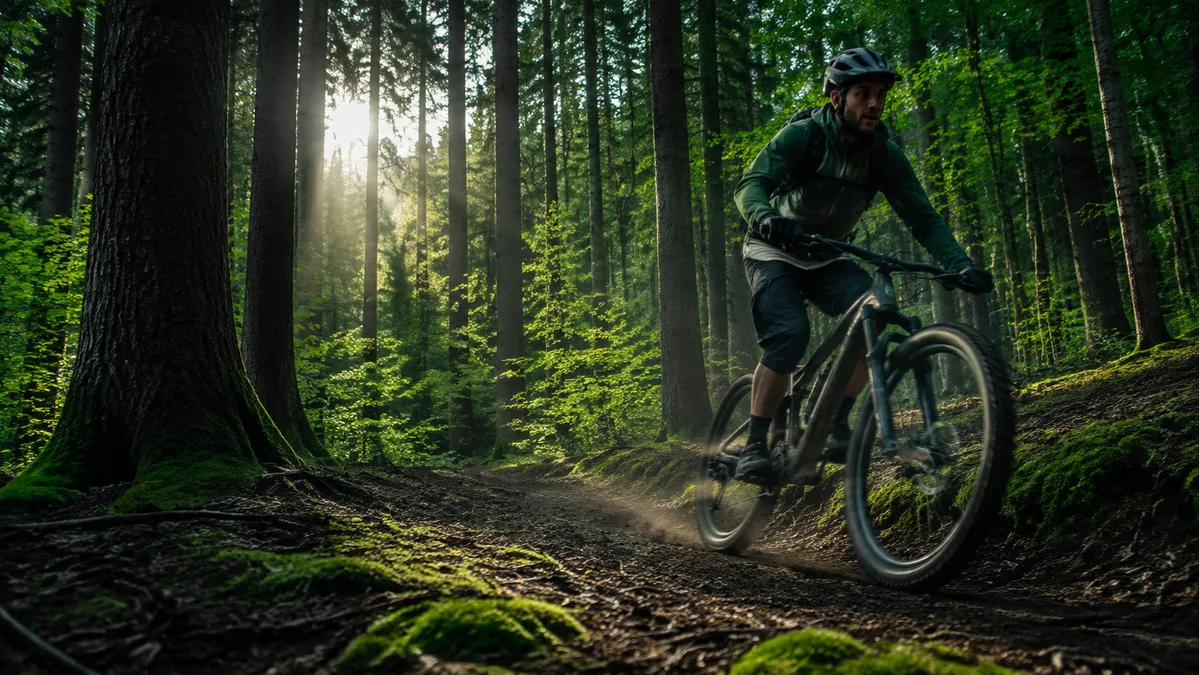
- Move the comparison divider across the supplied image. The softened side is a visual simulation.
What to look for
Start with Balanced when you are unsure. Compare fine textures and broad areas separately, and avoid judging a shot from its resolution alone.
Common questions
Can I download a finished video?
No. This workspace lets you explore the controls, but does not process or export video. Keep your original footage and save any notes you want to use later.
What happens to my content?
Your selections stay in this page. Closing or refreshing it clears them. You do not need an account. See our privacy information or contact support if you have questions.